
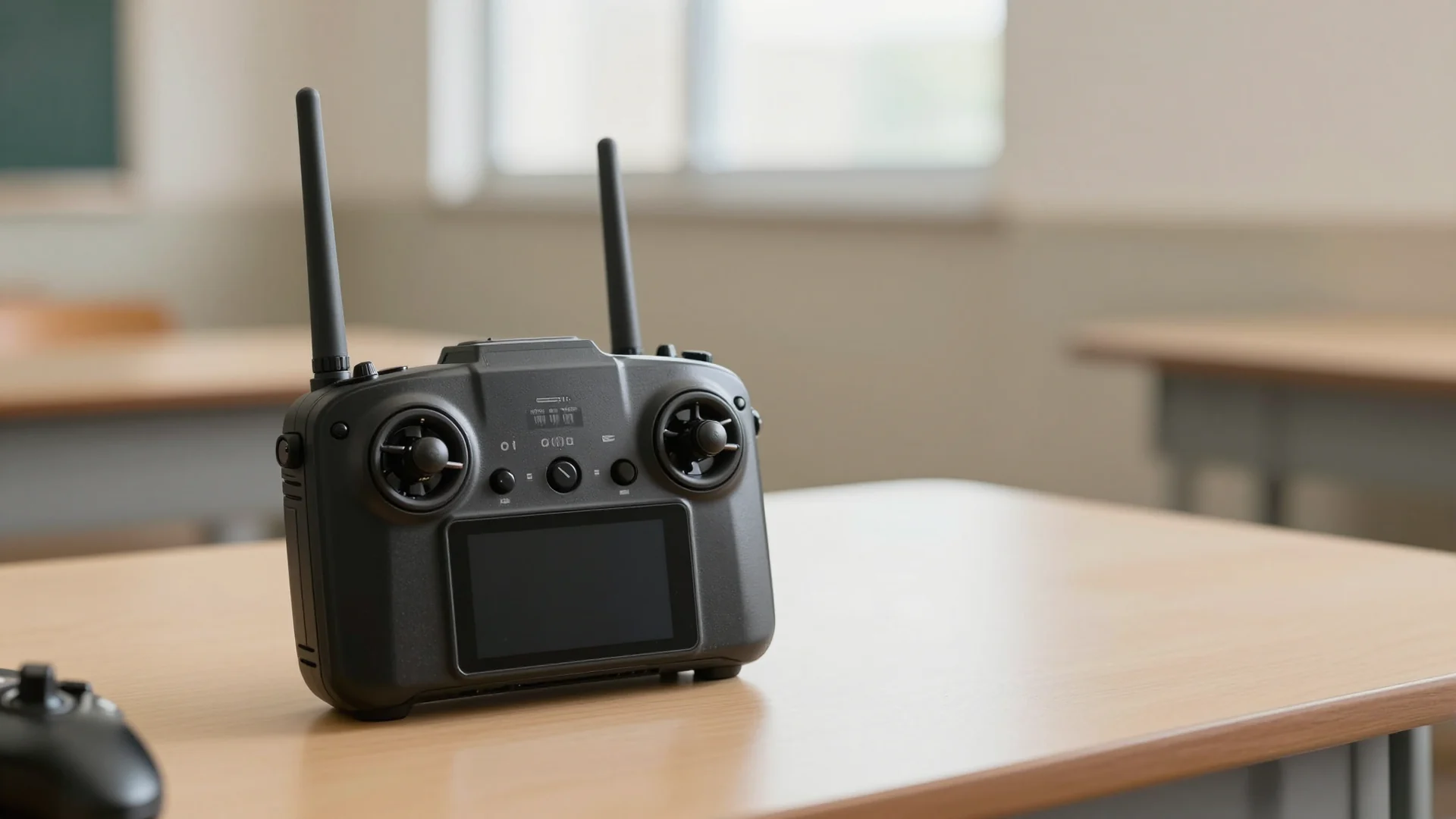
Confidence comes from predictable controls, not fast thumbs.
Identify your control mode
A typical two-stick controller separates vertical movement, turning and horizontal travel. However, the exact stick assignments depend on the control mode selected in your app. Open the manufacturer’s manual and locate its control-mode diagram before learning by memory. Do not assume that every aircraft uses the layout you saw in a video.
Practise naming each control out loud while the motors are off: ascent and descent, yaw, forward and backward, left and right. Confirm which movement changes the aircraft’s direction and which moves it sideways.
Understand orientation
When the aircraft faces away from you, a sideways command may appear intuitive. When it turns to face you, the same command can look reversed from your viewpoint. Beginners often confuse aircraft-relative movement with the view from their own body. A simulator or supervised training setup is a good place to discover this without risking an actual collision.
Pick an unmistakable visual cue on the aircraft that indicates its front. Describe its orientation before every practice movement. If you lose orientation in flight, avoid random stick inputs; follow the recovery procedure you have learned for that model.
Practise smooth inputs
A good beginner exercise is to observe how a very small movement changes an aircraft’s behaviour. In a simulator, practise moving one axis at a time and returning to a stable position. Then combine two commands slowly. The goal is repeatability, not speed or impressive manoeuvres.
Learn the difference between 'release the stick' and 'stop immediately.' Braking, position holding and inertia vary by aircraft and flight mode. Never presume that letting go produces an instant stationary hover.
Prepare for interruptions
Find the return-to-home control, but understand its prerequisites, limitations and possible route before using it. Know what your aircraft does after signal loss and how to initiate an ordinary landing. A pre-programmed response may be unsafe near overhead structures or in a confined area.
Write a small practice card: current control mode, normal landing process, signal-loss behaviour, and what warning would end the session. Review it before moving from a simulator to an authorised flight area.
Quick recap
- Identify your control mode
- Understand orientation
- Practise smooth inputs
- Prepare for interruptions
Frequently asked questions
Do these guides authorise me to fly?
No. They are educational articles, not a licence, permit or location-specific clearance. Check the applicable regulator and permissions.
Can I rely on an academy’s promotional claims?
Treat prices, approvals and course outcomes as claims to verify against current provider terms and primary sources.
What should I do when details have changed?
Follow the latest official guidance and request a dated correction with a source link.
Authoritative sources and next reading
- CAAM UAS official guidance
- CAAS flight requirements
- Manufacturer model-specific flight manual: to be added only once the model has been chosen and source verified.
Sources and further reading
- CAAM ↗
Consult the provider or regulator for current details.
- CAAS ↗
Consult the provider or regulator for current details.
Check the original document for its scope, date and current status.
Something needs a closer look?
Suggest a correction

